How I manage my data as a researcher
As a researcher, solid data management is essential. It streamlines workflow, protects sensitive IP, and signal-to-noise. This is a practical walk through of the system I have been using over the past year. My hope is that others can learn from it, adapt it, and improve it over time.
This guide is especially aimed at researchers and students who do not have formal institutional data systems, but still want something reliable, sustainable, and compatible with reproducible practice.
What is Data
As researchers we generate data constantly. In practical terms, “data” includes things like:
- photos and videos
- protocols
- CSV files containing raw measurements
- qualitative observations (for example, “the vial contents changed colour”)
- code and documentation
- sketches, diagrams, and 3D models
- analysis outputs from spreadsheets or notebooks such as figures and filtered datasets
- interpretations, questions, and hypotheses
- research papers, grant proposals and articles
It is often useful to think of this information in three categories: Raw data, Processed data, and Interpretation.
Raw data is the unprocessed record of what actually happened. Examples include instrument outputs, time-series measurements, and microscope images.
Processed data is created when raw data is transformed through cleaning, calculations, filtering, or modelling. This includes averages, fitted curves, statistical results, and normalised datasets.
Interpretation captures what you think the results might mean. That covers conclusions, uncertainties, anomalies, working hypotheses, and contextual explanations.
The reason this framework matters is that each category deserves different rules. Raw data is closest to the source of truth and should be preserved, backed up, and kept unmodified. Processed data can exist in multiple versions as analysis evolves, so version control becomes essential. Interpretation is fluid by nature and should always be clearly marked as interpretation, not evidence.
Separating these layers makes work more reproducible. When raw measurements, processing steps, and reasoning are distinguishable, the path from observation to conclusion becomes traceable instead of opaque.
Principles
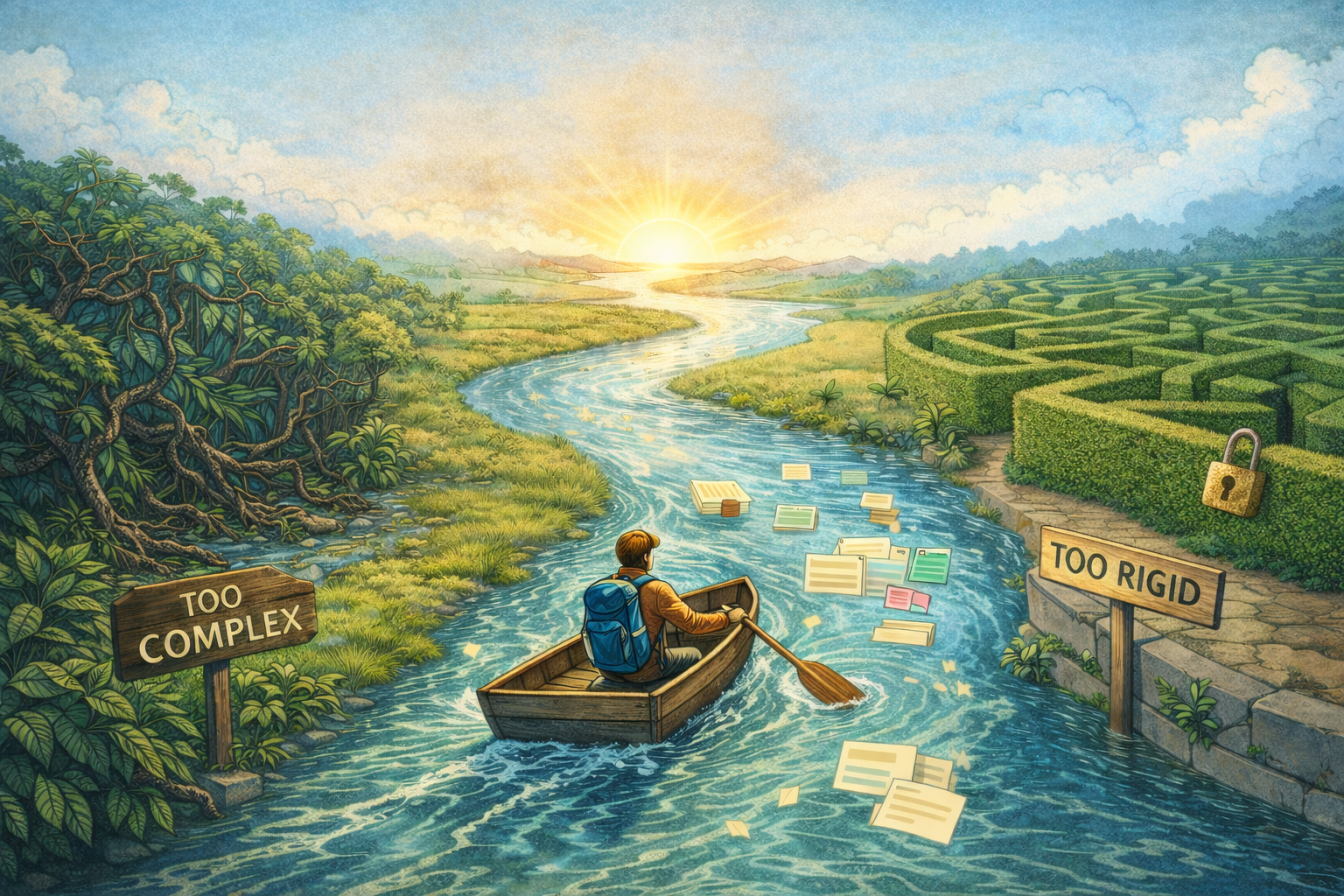
Without clear principles, it is easy to over-optimise by polishing parts of the workflow that do not meaningfully improve outcomes. At a high level, my primary principle is simplicity. If a data management system requires too many steps, nested folders, button clicks, or metadata fields, the cognitive load becomes too high and I am unlikely to maintain it the long run. It is surprisingly easy to design elaborate databases that look powerful on day one, then become abandoned because they are too tedious to update.
The second principle is consistency. Every entry should follow the same general format. This matters most when I am searching through a large history of experiments or comparing iterations. Seeing exactly what changed between versions becomes straightforward when the structure itself is predictable.
To maintain consistency, the system needs to be both flexible and categorical. If categories are too rigid, you end up forcing things into labels that do not fit, which harms searchability and interpretation. If the structure is too loose, it dissolves into unstructured notes that are hard to filter or compare.
In practice, this means maintaining a small set of stable, well-defined fields, while intentionally leaving room for free-text where nuance is required. The categories create structure so experiments stay searchable, comparable, and reusable in line with FAIR principles. For example, instead of inventing dozens of specific tags, I use straightforward fields such as date, project, experiment name, and iteration numbering, then capture observations in open text under consistent subheadings. The system stays organised, but it does not constrain thinking by being overly rigid.
Software
I use Notion as the place where experiments are structured and documented. It provides a database view while still behaving like a lab notebook.
Raw files — images, scans, instrument outputs, CSVs — live in my institution’s OneDrive. The experiments directory in OneDrive is also a Git repository, where analysis notebooks are version-controlled. Python environments sit at the experiments directory level, not inside individual experiment folders.
Any equivalent note-taking tool and cloud storage combination could work. The key design choice is separation of roles:
- Notion: planning, context, protocol, interpretation, links
- OneDrive + Git: all primary data and versioned analysis, safely backed up
Notion is a working environment, not the archive of record. I periodically export my entire workspace and keep local copies. I have also tested importing the contents into Obsidian. The structure becomes flatter, but the information is recoverable and can be restructured with the right community plugins.
Meanwhile, raw data is stored independently, backed up in institutional cloud storage, mirrored on physical drives, and not dependent on Notion’s survival. The most irreplaceable elements do not live inside a proprietary note tool.
Structure and Workflow
At the top level, I maintain a Notion database called “Experiments and Designs.” Each row represents an experiment or a design project.
Inside each entry I maintain two consistent sections:
- Objectives
- Methodology
These sections force clarity. They help me decide whether an experiment is ready to run, needs more reading, or should wait. Objectives usually read like, “To see if X affects Y.” Methodology begins with, “The idea is to…” followed by a high-level description, with references to any relevant papers or previous work.
Frequently, writing these two sections reveals that the idea is too broad. I then split it into smaller, more focused experiments. This naturally leads to steadier iteration and, in my experience, more meaningful output.
These sections also act as an efficient idea store. Many ideas arise between tasks. Logging them with a clear objective and even a half-formed methodology takes under five minutes, but makes it easy to return later and immediately understand what I intended and what should happen next.
When an experiment becomes more complex, the entry expands into a step-by-step protocol. If precision is critical, I link a spreadsheet stored in OneDrive or embed a table directly into the page.
Once results arrive, I analyse them in a Jupyter notebook that lives in the corresponding experiment folder in OneDrive. Relevant figures or summaries are exported to PDF or images and attached under a “Results” heading in the same Notion page. I also capture qualitative observations — growth behaviour, colour changes, unusual properties — because they frequently explain later outcomes.
What Goes Where
A common source of confusion is where different pieces should live. My current strategy is:
Notion
- experiment entry with Objectives and Methodology
- full written protocol (unless it truly needs a spreadsheet)
- qualitative observations and interpretation
- links to the relevant OneDrive folder and specific notebooks
- embedded exports of key figures or PDFs from analysis
OneDrive (Experiments directory, Git repository)
- raw data files from instruments (CSV, images, etc.)
- analysis notebooks (e.g.
EXP_ID_analysis.ipynb) - any assay spreadsheets that are central to the protocol
- exported results (figures, tables), with incremented filenames
- reports, proposals and articles (word documents)
Python / analysis environment
- lives at the experiments directory level, shared across experiments
- managed separately from individual experiment folders
The idea is that Notion holds the narrative and structure, while OneDrive + Git hold the actual evidence and transformations.
Columns and Metadata
At the database level, I use a small set of fields:
- Name — descriptive label
- Project — broad category for filtering
- Date Planned — when the idea first formed
- Status — Planned, In-Progress, Finished, Cancelled, or Someday Maybe
- Collaborators — people involved
Ideas that linger for over a month automatically get moved to “Someday Maybe” using a Notion automation. Grouping by Status in my database provides a clear separation between active work versus dormant concepts and helps me find the in-progress stuff faster.
The final column — and the backbone of the system — is the experiment ID:
prop("Project") + "_" + formatDate(prop("Date Planned"), "DDMMYYYY") + "_" + prop("Name")This produces identifiers such as:
Post_Processing_02092025_chemical_cross_linking_1
The ID is permanent. I do not rename it even if the experiment description changes. If two experiments share the same concept on the same day, the iteration number simply increments. In practice, duplicate IDs cannot occur.
The ID becomes the naming convention for the corresponding OneDrive folder. Inside that folder live the raw files, the analysis notebook(s) (using the same ID in its filename), and exported outputs. The Git repository tracks the notebook and other code, while exported figures and tables are git-ignored and saved with incrementing names instead of being overwritten.
Reproducibility in Practice
Reproducibility in this system is not a single feature but the result of the entire chain being linked.
For any experiment, you can:
- start at conception: the Objective and Methodology in Notion
- follow through to the protocol: the detailed steps in the same page or linked spreadsheets
- jump to the raw data: via the ID-matched and linked folder in OneDrive
- inspect the analysis: the Git-versioned notebook in that folder
- review the processed outputs: exported figures or tables
- and finally read the interpretation: the Results and commentary back in Notion
Because the experiment ID ties all of these together, you can move in both directions:
- conception → raw data → analysis → interpretation
- or interpretation → analysis → raw data → original protocol and rationale
That is the core of why I find this defensible: it is possible, in principle, to reconstruct how any given conclusion was reached, from first idea to final statement.
Practical Benefits in Day-to-Day Work
Beyond theory, this structure has some practical advantages.
Notion’s AI tools become more useful when fed structured experiments rather than scattered notes. With enough history, I can summarise related experiments, surface patterns worth investigating, or generate rough report drafts that I then refine manually.
The ID system and linked folders make it straightforward to resume work on an older topic. Months later, I can start from any entry, follow the ID to the folder, inspect the notebook history, and see exactly what I did and thought at the time.
Just as importantly, collaboration is simple. I share the Notion page with collaborators so they see the plan and interpretation, and I share the OneDrive folder so they can access raw data and notebooks. Because IDs are formula-generated and copy-pasted, there is no manual renaming step to get wrong.
The system fits how I like to work: iterate quickly, spend more time in the lab, test ideas, and refine thinking over time, while still keeping enough structure to make the work auditable.
Final thoughts
The aim here is to build an information system that can realistically be maintained, that respects the scientific method, and that allows work to be followed from initial idea through to interpretation and back again.
Thinking consciously about layers of data, using simple consistent structure, separating storage from narrative tools, and tying everything together with IDs has reduced confusion and rework in very practical ways.
Other researchers will adapt and evolve systems that suit their own constraints. If you see weaknesses in this approach or run into limits I have not mentioned, I would genuinely like to hear about them. My plan is to revisit and refine this guide as my own practices improve.
If you are interested, I can also write a follow-up describing how I manage programming environments around this system — including Jupyter notebooks, Python versions, and handling of imported and exported datasets. And if you read this in the future and find that Notion behaves differently, let me know so I can update the video examples.